
Free IP Address Lookup – Location, ISP & ASN
Enter any IPv4 address, IPv6 address, or hostname to retrieve detailed geolocation, ISP, ASN, and proxy/VPN detection data. Results are aggregated from multiple geolocation providers for maximum accuracy.
- City, region and country
- ISP, organisation and ASN
- VPN, proxy, Tor and hosting checks
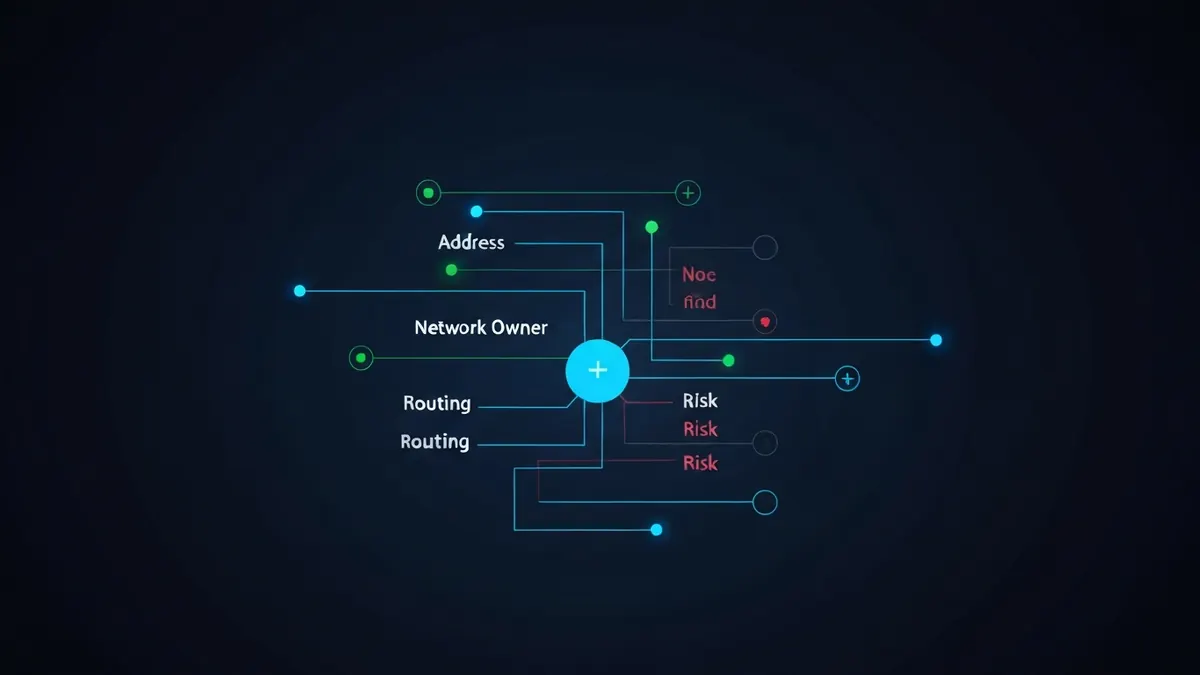
What Does IP Lookup Show?
Each field in the lookup result comes from a different layer of internet infrastructure. Here is what each one means: If you are new to the basics, start with our guide to what an IP address is and our deep dive into how accurate IP geolocation really is.
| Field | Description | Accuracy |
|---|---|---|
| Country | Country where the IP block is registered or primarily used. | High |
| Region | State, province, or administrative region. | Medium |
| City | Nearest city to the IP registration point. May differ from physical location. | Medium |
| Postal Code | Postal/ZIP code estimate. Often unreliable for mobile and corporate IPs. | Low |
| ISP | Internet Service Provider that owns the IP block. | High |
| ASN | Autonomous System Number - A unique identifier for a network on the internet. | High |
| IP Assignment | Whether the ISP appears to keep the address static or reassign it dynamically. This is an estimate unless the provider publishes the assignment type. | Low |
| Timezone | Time zone inferred from country and region. | Medium |
| Coordinates | Approximate latitude and longitude. Not the user's exact location. | Low |
| VPN / Proxy | Detection based on known VPN/proxy IP ranges and heuristics. | Medium |
How IP Lookup Works
- When you enter an IP, we query multiple geolocation databases and aggregate results.
- Hostnames are first resolved to an IP via DNS before the lookup runs.
- Corporate, mobile, and satellite IPs may show their data center location, not the physical user location.
- IPv6 data coverage is more limited than IPv4 across most providers.
- VPN and proxy detection uses known IP ranges, datacenter ASNs, and abuse signals.
- Static or dynamic assignment usually cannot be proven from an IP alone. The result is marked likely when it is inferred from reverse DNS or network type, and unknown when there is not enough evidence.
Questions about IP Lookup
How accurate is IP geolocation?
Country-level results are highly reliable - Typically 95-99% accurate. City-level accuracy is much lower, often 55-80%, and the location shown is frequently the nearest large city or the regional hub of the ISP rather than where the user actually sits. Mobile carriers and CGNAT make this worse, and VPNs or proxies replace the location entirely. No IP database can resolve a street address.
Can an IP address identify a person?
Not on its own. An IP identifies an internet connection, not an individual - Several people or devices usually share one address. Only the ISP knows which subscriber held an address at a given moment, and it releases that mapping only under legal process such as a court order. Websites can, however, combine an IP with cookies and account data to build a profile.
What can someone see from my IP address?
Anyone who knows your IP can look up your ISP name, your approximate location (usually city or region), your network ASN, and whether the address belongs to a VPN, proxy, or datacenter. They cannot see your name, email address, exact street address, or browsing history. Those details exist only in ISP records and in the logs of sites you visit.
Tools related to IP Lookup
Technical sources for IP Lookup
The technical claims on this page are drawn from the primary specifications and vendor documentation below.