
Best VPN for Travel in 2026
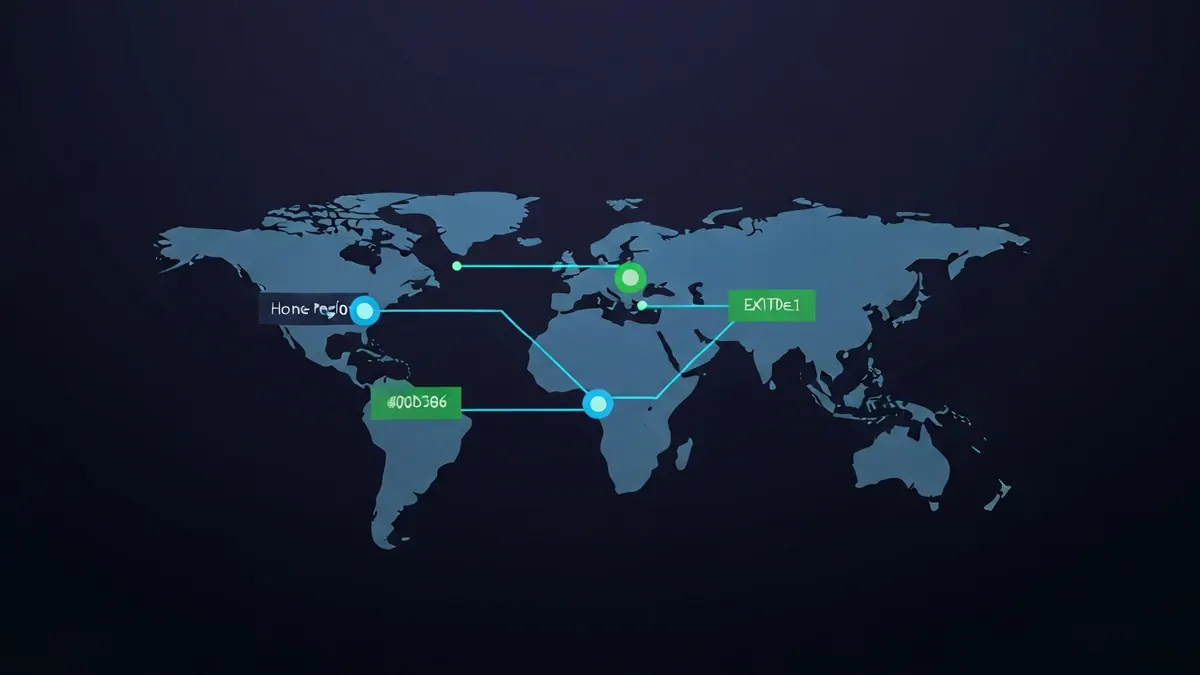
Travelling exposes you to untrusted networks - Hotel Wi-Fi, airport hotspots, and café connections that may be intercepted or monitored. A travel VPN also lets you access your home country's streaming content, banking services, and websites that may be blocked at your destination. This guide covers everything you need before you leave.
Why You Need a VPN When Travelling
| Risk / Need | How a VPN Helps | Priority |
|---|---|---|
| Hotel and airport Wi-Fi attacks | Encrypts all traffic so network operators and attackers on the same network cannot intercept your data or session cookies | Critical |
| Accessing home streaming services | Connect to a server in your home country to access Netflix, BBC iPlayer, or other services that detect your foreign IP and restrict content | High |
| Internet censorship at destination | Bypass blocked services (Google, WhatsApp, social media) in countries with active censorship - Requires obfuscated servers in some destinations | High |
| Banking fraud detection | Connect via a server in your home country so your bank sees a familiar IP and does not freeze your card | Moderate |
| Price manipulation on booking sites | Some airlines and hotels display different prices based on your location - Try connecting from a lower-cost region | Low |
What to Look for in a Travel VPN
- Server coverage: The more countries the provider covers, the more likely you are to have a nearby server at your destination for good speeds.
- Mobile apps: iOS and Android apps should be polished and support one-tap connection - You will be configuring this in airports and hotels, not at a desk.
- Kill switch on mobile: Critical for travel - Your phone constantly switches between Wi-Fi and mobile data, creating VPN reconnect gaps.
- Obfuscated servers: Essential if you are travelling to China, Russia, Iran, UAE, or other countries that block VPNs. See our VPN for China guide.
- Simultaneous connections: Protect your phone, tablet, and laptop simultaneously. Surfshark (unlimited) and NordVPN (10 devices) are strong here.
Travel Privacy Packing Checklist
- Install and test your VPN before leaving - Download obfuscated server configs at home, where VPN access is unrestricted.
- Download offline maps (Google Maps offline mode) so you do not need to connect to check navigation.
- Enable the VPN kill switch on your phone so traffic stops rather than leaks if the tunnel drops.
- Use a privacy-respecting browser (Firefox with uBlock Origin) for all browsing at destinations.
- Enable two-factor authentication on banking and email accounts before travelling.
- Keep your VPN app updated to the latest version - Providers push obfuscation updates regularly to stay ahead of blocks.
- After connecting at each new hotel or café, run a quick VPN Leak Test to confirm the connection is clean.
Best Travel VPNs - Quick Comparison
| Provider | Countries | Obfuscation | Mobile Kill Switch | Price/month (2yr) |
|---|---|---|---|---|
| NordVPN | 60+ | ✓ | ✓ | ~$3.69 |
| ExpressVPN | 94+ | ✓ | ✓ | ~$6.67 |
| Surfshark | 100+ | ✓ | ✓ | ~$2.19 |
| ProtonVPN | 60+ | ✓ (Stealth) | ✓ | ~$3.99 |
Questions about Best VPN for Travel in 2026
Why do I need a VPN when travelling?
Hotel and airport Wi-Fi are shared networks you cannot verify, and some countries filter traffic at the ISP level. A VPN also keeps home banking and streaming accessible, which often break when accessed from an unfamiliar country.
Will a VPN stop my bank locking my account abroad?
It can help — connecting to a home-country server makes the login look ordinary rather than coming from an unexpected location. Still tell your bank you are travelling; a VPN is not a substitute for that.
How do I use a VPN with hotel Wi-Fi login pages?
Connect to the Wi-Fi and complete the captive-portal login first, then turn the VPN on. A VPN that is already running will block the portal from loading.
Should I install the VPN before I travel?
Yes, always. Some countries block VPN provider websites and app-store listings, so an app you did not install beforehand may be impossible to obtain once you arrive.
How we evaluate VPNs: every provider on this site is judged on audited no-logs claims, leak-test results, protocol support, jurisdiction, and price transparency — never on commission. See the criteria in full →
ⓘ Affiliate disclosure: Some links to VPN providers in these guides are affiliate links - We may earn a commission at no extra cost to you. This never affects rankings or evaluations.
Last updated: 2026-10-09
More resources for Best VPN for Travel in 2026
Technical sources for VPN For Travel
The technical claims on this page are drawn from the primary specifications and vendor documentation below.