
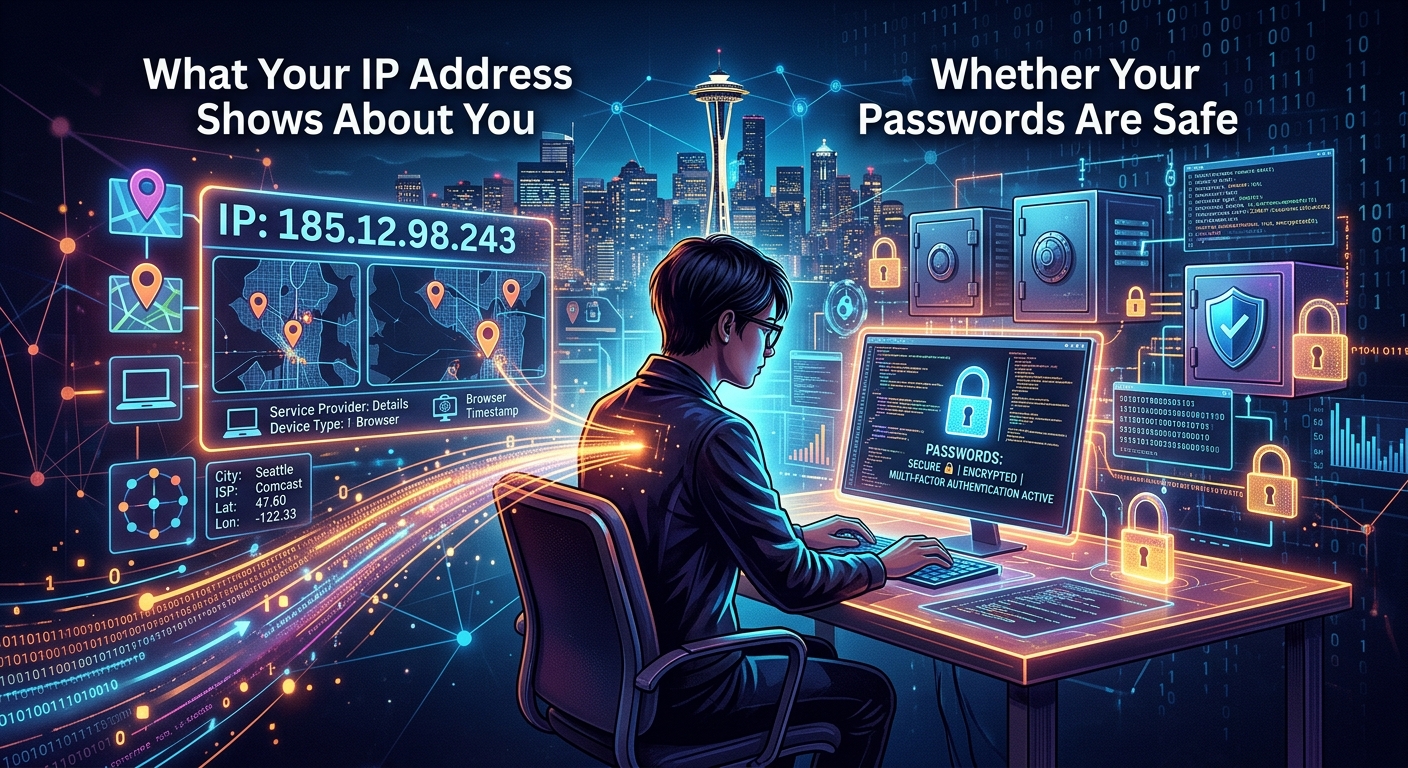
What Your IP Address Shows About You and Whether Your Passwords Are Safe
Connection
IP exposureShows the visible network owner, address, and broad region.
Account
Breach exposureShows whether an email appeared in a known compromised dataset.
Recovery
Password responseRequires unique replacements and stronger account authentication.
Your IP address travels with you on every connection. Every website you visit, every app you open, every search you run sends it along as part of the request. Most people know the term. Fewer understand what that number actually hands over. And almost nobody thinks to pair that awareness with a second question: have my passwords already appeared somewhere they were never supposed to be?
Your Privacy Snapshot
- Your IP address reveals your approximate location, your ISP, and your connection type, but not your name or home address.
- VPNs, encrypted DNS settings, and a few browser adjustments are the main tools for reducing what your IP exposes.
- Passwords exposed in past data breaches are a separate risk, and a thirty-second check can reveal whether yours turned up somewhere they should not have.
The Data Packed Into Every IP Address
An IP address is a numerical label your router receives from your internet service provider. Every connection you make carries it, like a return address on a digital envelope. Whoever receives your request can see that address. That includes the websites you visit, the platforms you use, and any network operator sitting between you and the destination.
Here is what an IP address lookup can verify to any server or service you connect to:
- Your approximate geographic location, typically at city or regional level
- The name of your internet service provider, such as Comcast, AT&T, or Spectrum
- Whether your connection is residential, business, or mobile broadband
- Your approximate time zone, inferred from the location data tied to that IP block
Precision varies more than most people expect. A dense urban ISP might narrow your location to a few neighborhoods. A rural ISP might place you in the nearest large town, which could be twenty miles from where you actually sit. An IP address gives a region, not a doorstep.
What an IP Address Cannot Expose on Its Own
This part trips people up. An IP address by itself cannot reveal your full name, your home address, your phone number, or your email. It cannot expose your browsing history on other websites. It cannot identify which specific person in a shared household made a particular request.
A single IP is commonly shared across every device connected to one router, through a process called Network Address Translation, or NAT. That means a partner, a roommate, or a child is behind the same address as you. Linking an IP to a real identity typically requires a court order served to the ISP. The address alone is a region marker, not a name badge.
Where things get complicated is when IP data gets combined with other signals. Your IP paired with your browser fingerprint, your cookie history, and your login behavior creates a profile that is far more identifying than any one piece on its own. That aggregation is the real concern for privacy-conscious users.
| Audit | Question answered | Immediate response |
|---|---|---|
| IP lookup | Which address, ISP, ASN, and approximate region are visible now? | Change the network path only if that exposure exceeds the intended use. |
| DNS review | Which resolver receives domain lookups? | Enable encrypted DNS or correct a VPN resolver leak. |
| Breach check | Has the account identifier appeared in a known incident? | Change exposed and reused passwords, beginning with email and financial accounts. |
| Password review | Is each important account protected by a unique credential? | Generate unique passwords and store them in a trusted password manager. |
How Websites and Advertisers Actually Use Your IP
Even within its limits, IP data gets put to work in ways most users never see. Streaming platforms read your IP to enforce geographic licensing agreements. E-commerce sites use it as one signal in fraud detection. Advertisers use it to estimate your region and serve local ads. News outlets may use it to decide which edition or currency to show you.
None of that is inherently alarming. The concern grows with passive accumulation. Every server your traffic touches logs your IP by default. That includes your DNS resolver, the websites themselves, and any analytics services they load. This invisible record-keeping happens automatically, without any notification, and that log data can sit on servers for months.
The Hidden Accumulation in DNS Logs
Every domain name your browser looks up, even before a page fully loads, passes through a DNS resolver. Without encryption, those lookups travel in plain text. Your ISP can read them. Anyone on the same network path can read them. Default DNS settings on most home routers send these queries completely unencrypted, which means your ISP sees a running list of every domain you request, even if you clear your browser history afterward.
DNS-over-HTTPS, or DoH, encrypts those queries so they look like ordinary web traffic to outside observers. It is one of the most practical changes an average user can make, and it costs nothing to enable.
- 1. Inspect the connectionRecord the visible IP, network owner, approximate location, and resolver.
- 2. Reduce network exposureApply the VPN, encrypted DNS, and browser controls that match the actual risk.
- 3. Check account exposureSearch the account email in the breach checker without submitting a password.
- 4. Contain confirmed riskReplace reused credentials and enable two-factor authentication.
Four Steps to Reduce What Your IP Gives Away
- Use a reputable VPN. A VPN routes your traffic through an intermediary server. Websites see the VPN's IP instead of yours. Choose a VPN for the risks that actually apply, and favor a provider that has undergone an independent audit of its no-logs policy, not just one that claims it on a marketing page.
- Switch to a privacy-respecting DNS resolver. Providers like Cloudflare (1.1.1.1) and NextDNS support DoH. Both are often faster than many default ISP resolvers and encrypt your lookups so your ISP cannot read them.
- Enable DNS-over-HTTPS in your browser. Chrome, Firefox, and Edge all support this natively. Check your browser's privacy or security settings and switch it on. It takes about thirty seconds.
- Disable WebRTC in your browser when using a VPN. WebRTC is a browser feature that can leak your real IP address even when you are connected to a VPN. Browser extensions exist specifically to block WebRTC leaks, and they are widely available for free.
Privacy Tools That Mask Your IP: A Side-by-Side Look
| Tool | What It Hides | What It Does Not Hide | Best For |
|---|---|---|---|
| VPN | Your real IP from websites and services | Traffic from the VPN provider itself | General browsing, streaming, travel |
| Proxy | Your real IP from one specific destination | DNS queries, full traffic encryption | Single-site access, basic geo bypass |
| Tor | Your IP through multiple relay layers | Connection speed, exit-node visibility | High-anonymity research and journalism |
| DNS-over-HTTPS | Your DNS lookup history from your ISP | Your IP address from websites you visit | DNS-layer privacy with minimal setup |
Your IP Is Only One Layer of Your Privacy Picture
Reducing your IP exposure is a real step forward. But it addresses one channel. There is another channel most people overlook entirely: the login credentials they used on services that later suffered a data breach.
Data breaches have exposed billions of username and password combinations over the past decade. Many of those credentials are still active. People reuse passwords across multiple accounts. Attackers automate the process of testing stolen credentials against popular platforms, a technique known as credential stuffing. It works because the math favors the attacker: a list of fifty million credentials tested against a hundred services produces results even at a low success rate.
The scale of this threat is taken seriously at the policy level. The digital identity guidelines from the National Institute of Standards and Technology recommend that authentication systems actively check new passwords against known compromised credentials before accepting them. That guidance signals how mainstream the breach exposure problem has become.
What this comparison cannot prove
A breach checker can report known indexed incidents. It cannot prove that an account was never exposed, and an IP lookup cannot determine whether a password is safe.
Running a Breach Check After Your IP Audit
You have taken stock of what your connection gives away passively. The natural companion step is to check whether your login credentials already exist in a dataset somewhere they were never supposed to land. This is the second half of an honest privacy audit, and it takes almost no time.
A password breach check searches your email address against aggregated databases of known breach data. The process takes seconds. The result tells you clearly whether your address appeared in a known incident, and in many cases, exactly which breach it came from.
Here is what a typical breach report surfaces:
- Which of your email addresses appeared in known breach records
- The name of the service or company where the breach originated
- An approximate date for when the breach occurred or was publicly discovered
- The types of data exposed, which may include passwords, phone numbers, physical addresses, or financial details
If your credentials appear in results, the response is methodical. Change the password on the breached account first. Then audit every other account where you used the same password and change those too. Enable two-factor authentication on your most sensitive accounts, starting with email and anything connected to finances. Credential stuffing attacks often run quietly for months before a victim notices anything wrong, so there is no benefit to waiting.
Why Using a Breach Checker Does Not Create a New Risk
A fair concern is whether entering your email into a breach tool is itself a security risk. Well-designed tools handle this carefully. For password checks, they use a technique called k-anonymity, where only the first five characters of a hashed version of your password are transmitted. The full password never leaves your device. The comparison happens on the server side without the service ever seeing your actual credential. For email-based lookups, the request searches a read-only index of known breach records. No new exposure is created by running the check.
One Lookup for Your IP, One for Your Passwords, and You Have Covered the Basics
Understanding what your IP address exposes puts you ahead of most internet users. Pairing that knowledge with a credential audit puts you in a genuinely stronger position than before. Neither check requires deep technical skill. Both take a few minutes at most.
Privacy is not a single switch you flip once. It is a collection of deliberate choices made over time. Knowing what your connection reveals passively, and knowing whether your passwords are already circulating in breach data, is exactly where that collection of choices should start. Two short audits, one honest picture of your actual exposure.
Continue this privacy investigation